Calendars & Booking
Calendars
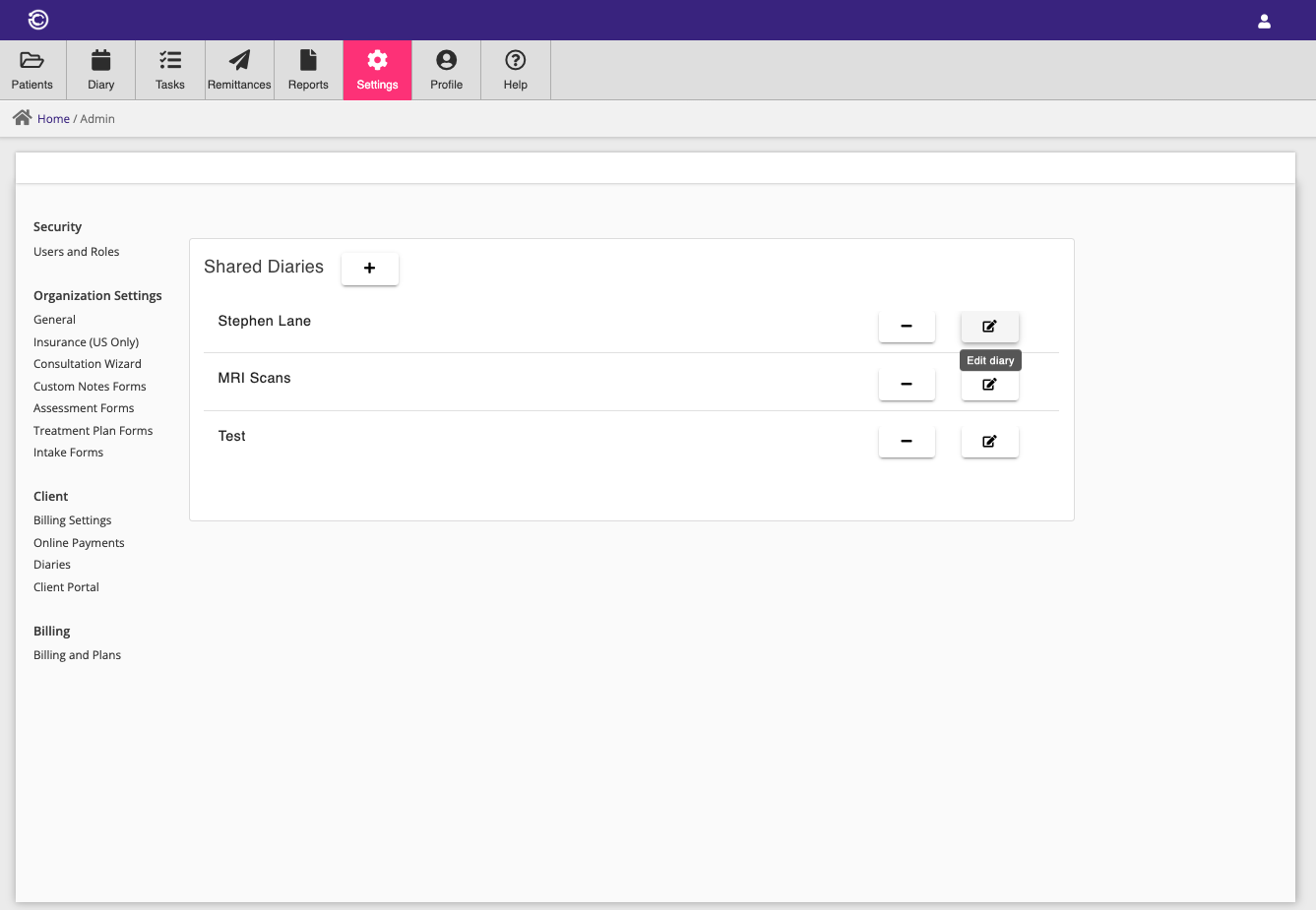
You can configure calendars for your practice within the calendar settings menu. Calendar entries can be entered directly within Consultationly once you have set up a calendar, or your clients can create calendar entries when they book a consultation online.
Your online booking website will show all available slots in your public calendars, allowing clients to book directly.
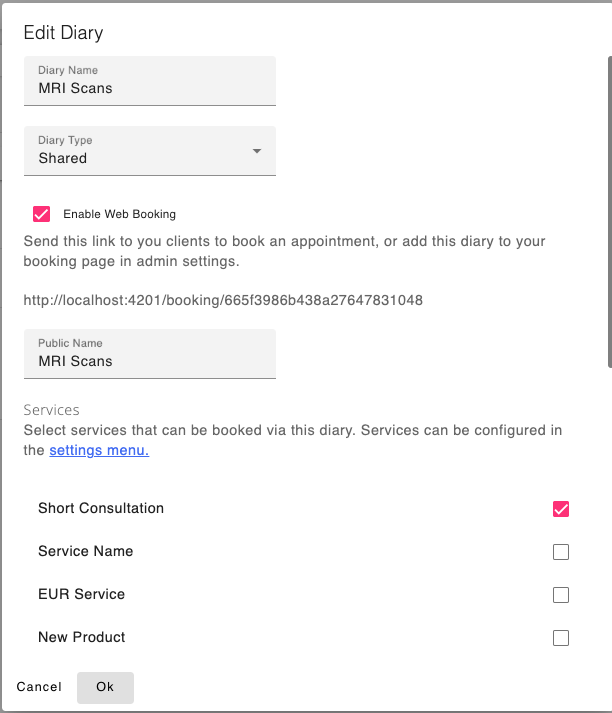
Once you have created a calendar, you can add bookable services that you have configured in the Billing Settings menu. If a price is associated with a service and you have enabled online booking, your clients can book and pay for their consultation online.
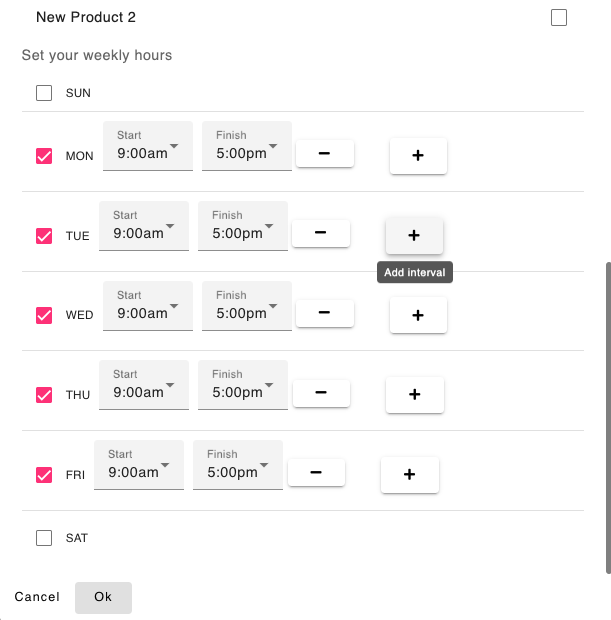
You should also set availability for each calendar configured for online booking, so that clients cannot book during times your practice is not open.
Booking Website
You can create and publish a complete website for your business which gives you an opportunity to outline your offerings and provide a booking module for your services, giving your clients a professional online booking experience.
The editor is organised into tabs:
Business details
Choose from several pre-defined themes (or upload your own header image) and supply your contact information. Your contact details will initially be copied from your organisation address settings but can be customised here.
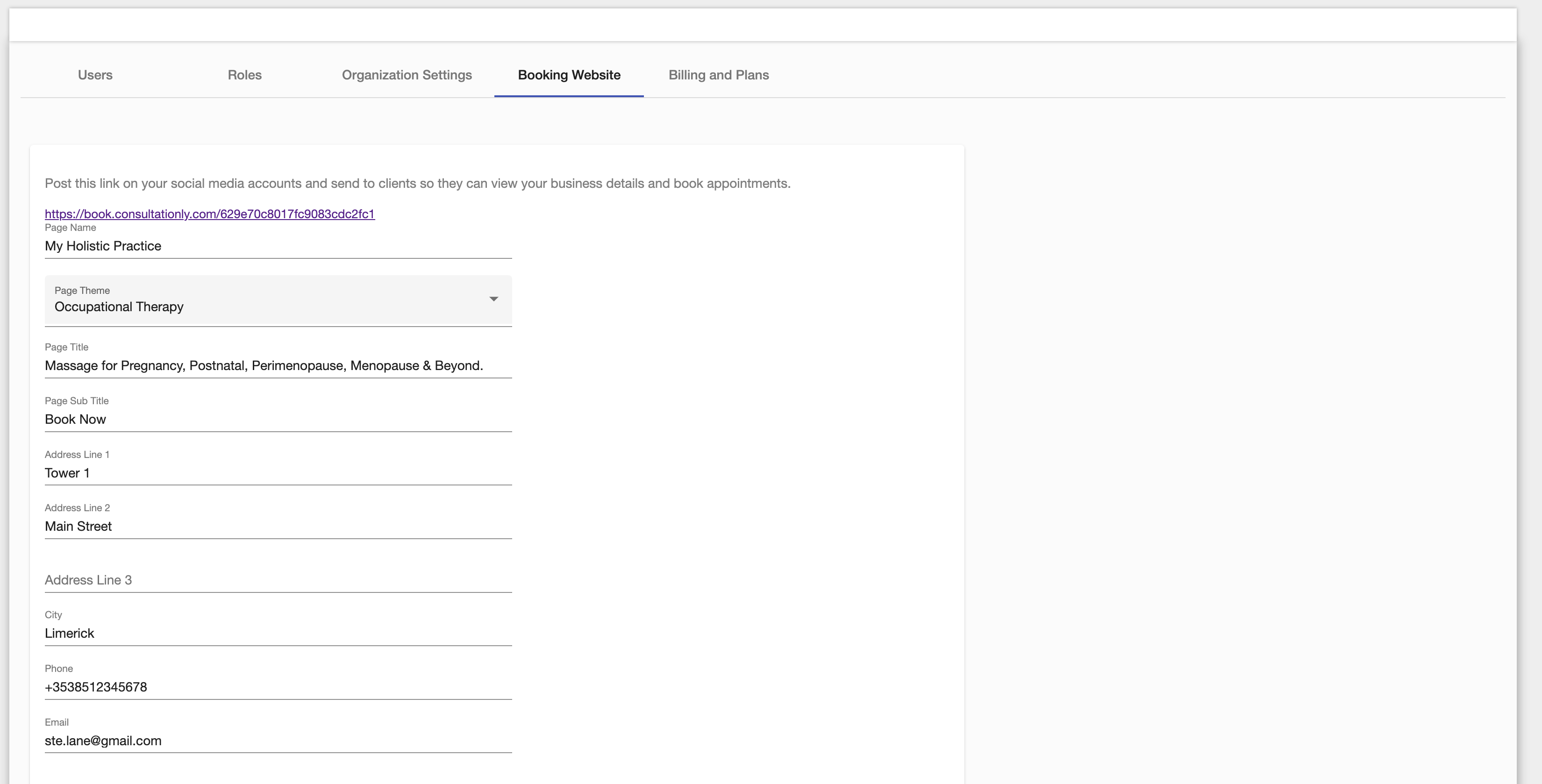
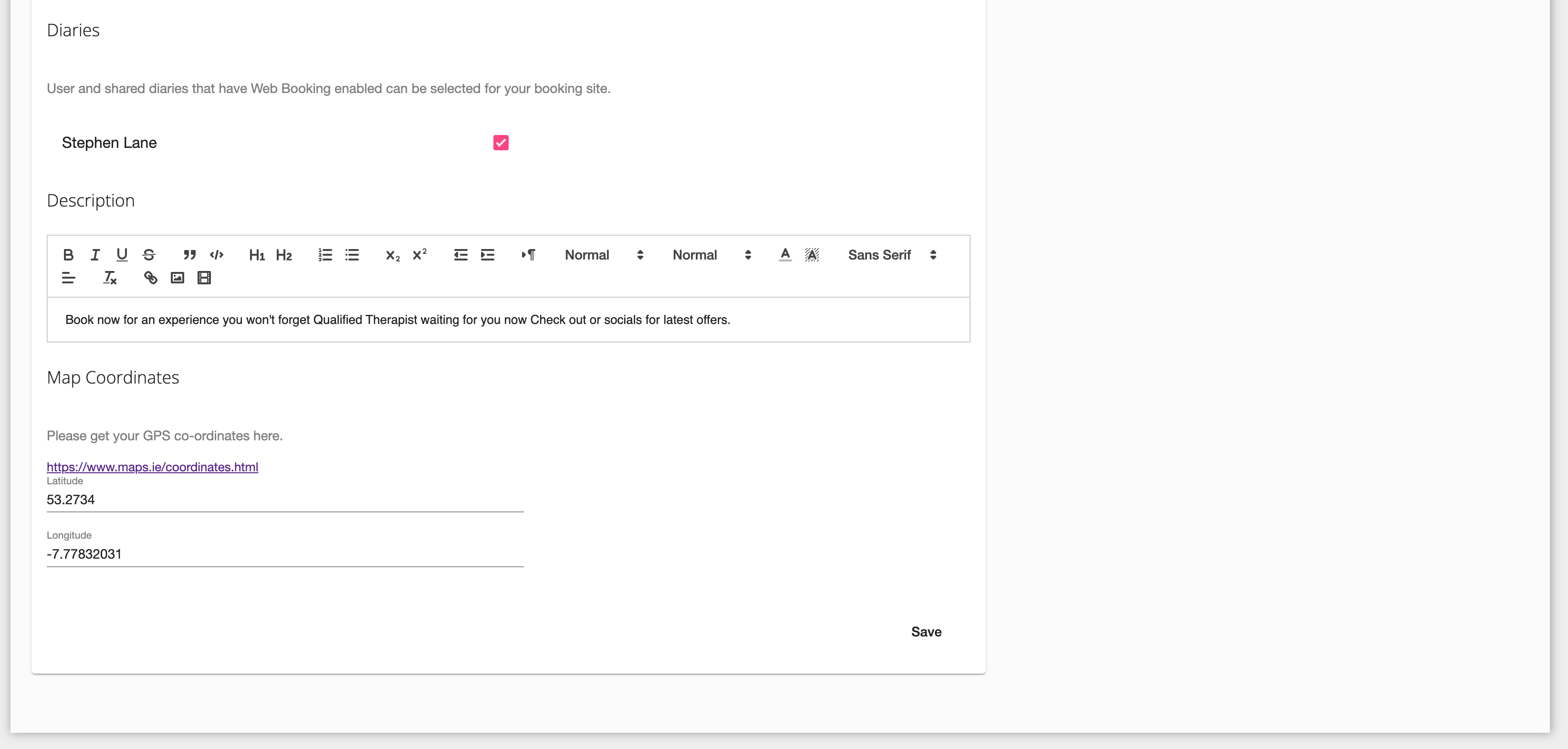
You can pick calendars which have been configured for web booking in Consultationly and they will be added to the booking section of your website.
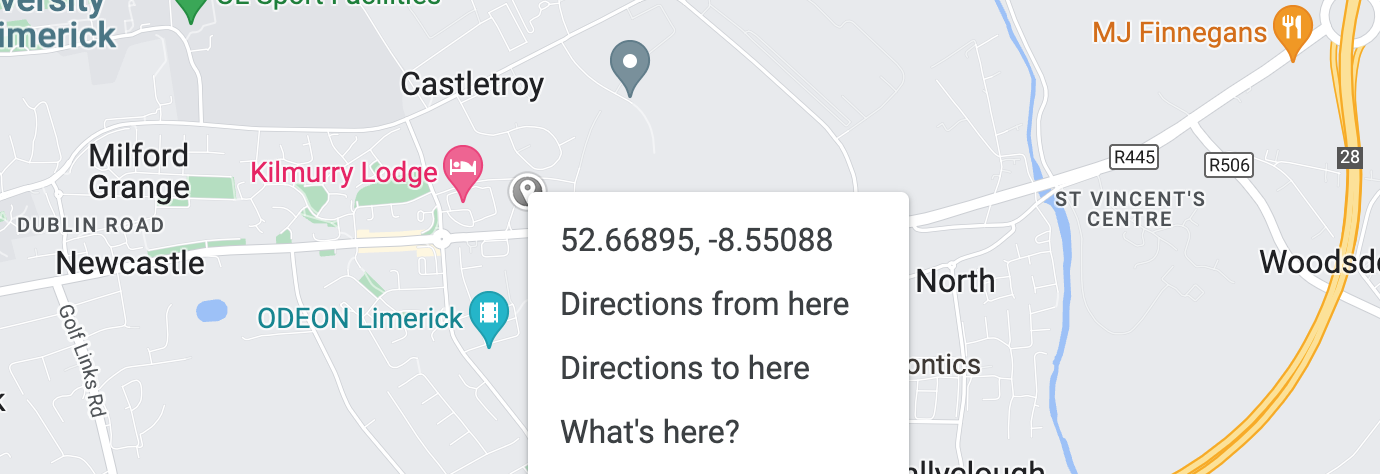
You can also add the latitude and longitude for your business so that it will appear on the map on your website's home page. You can get your latitude and longitude by right-clicking on a location in Google Maps.
Website content
Rich-text content for your website's About page: what clients can expect, and your clinicians and credentials. New accounts come pre-filled with starter copy — edit it to describe your practice.
Homepage sections
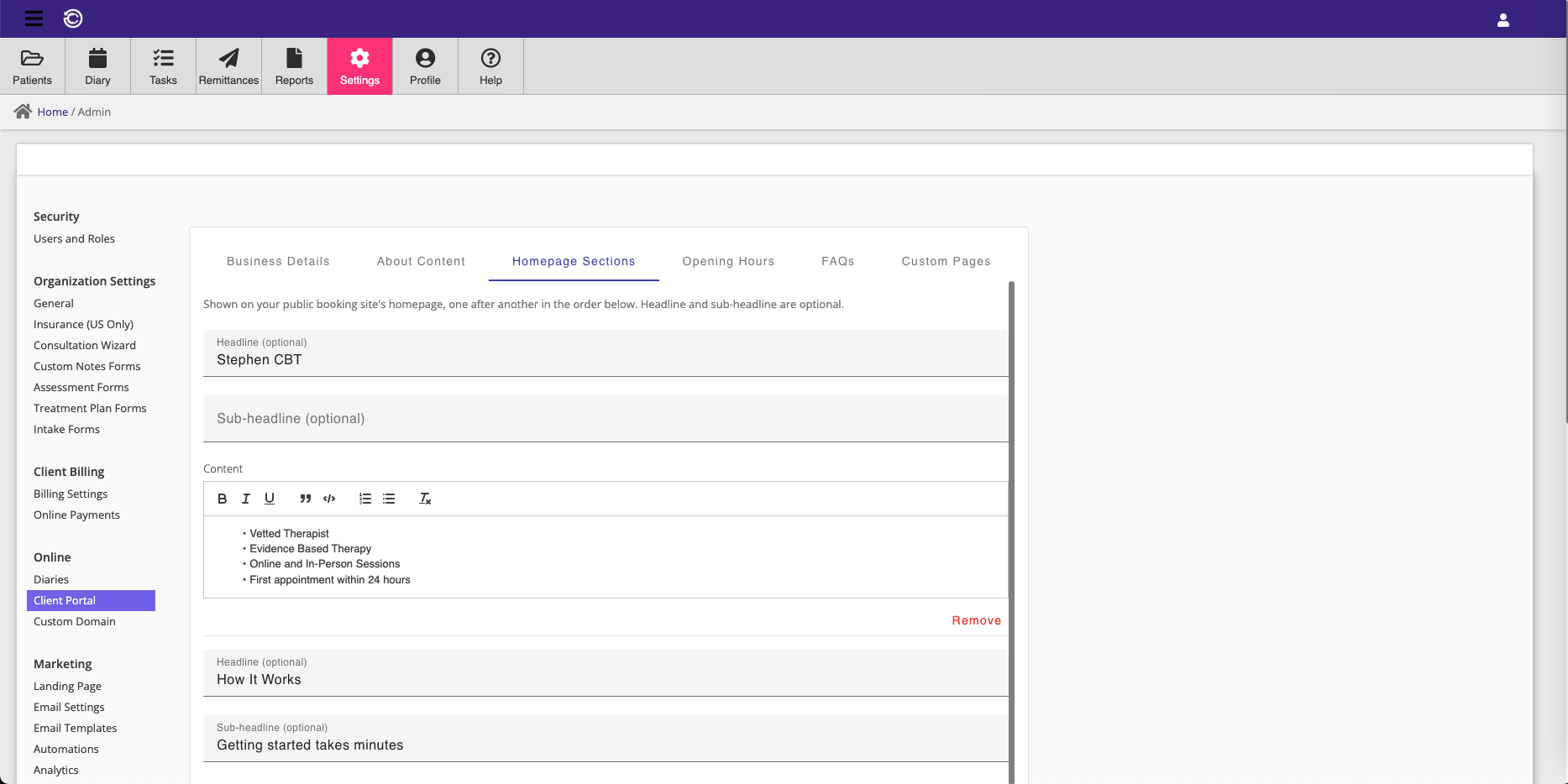
Build your website's homepage from a list of sections, shown one after another. Each section has an optional headline and sub-headline, plus rich-text content — add as many as you like, in any order, to introduce your practice, highlight what makes you different, or explain how booking works. New accounts come pre-filled with two starter sections.
Opening hours
Shown on your website's Contact page. Enter free-form hours per day (e.g. "9:00 – 17:00", "Closed" or "By appointment").
FAQs
Question-and-answer pairs shown on your website's FAQ page. These are also published as structured data, making them eligible for Google's FAQ rich results.
Custom pages
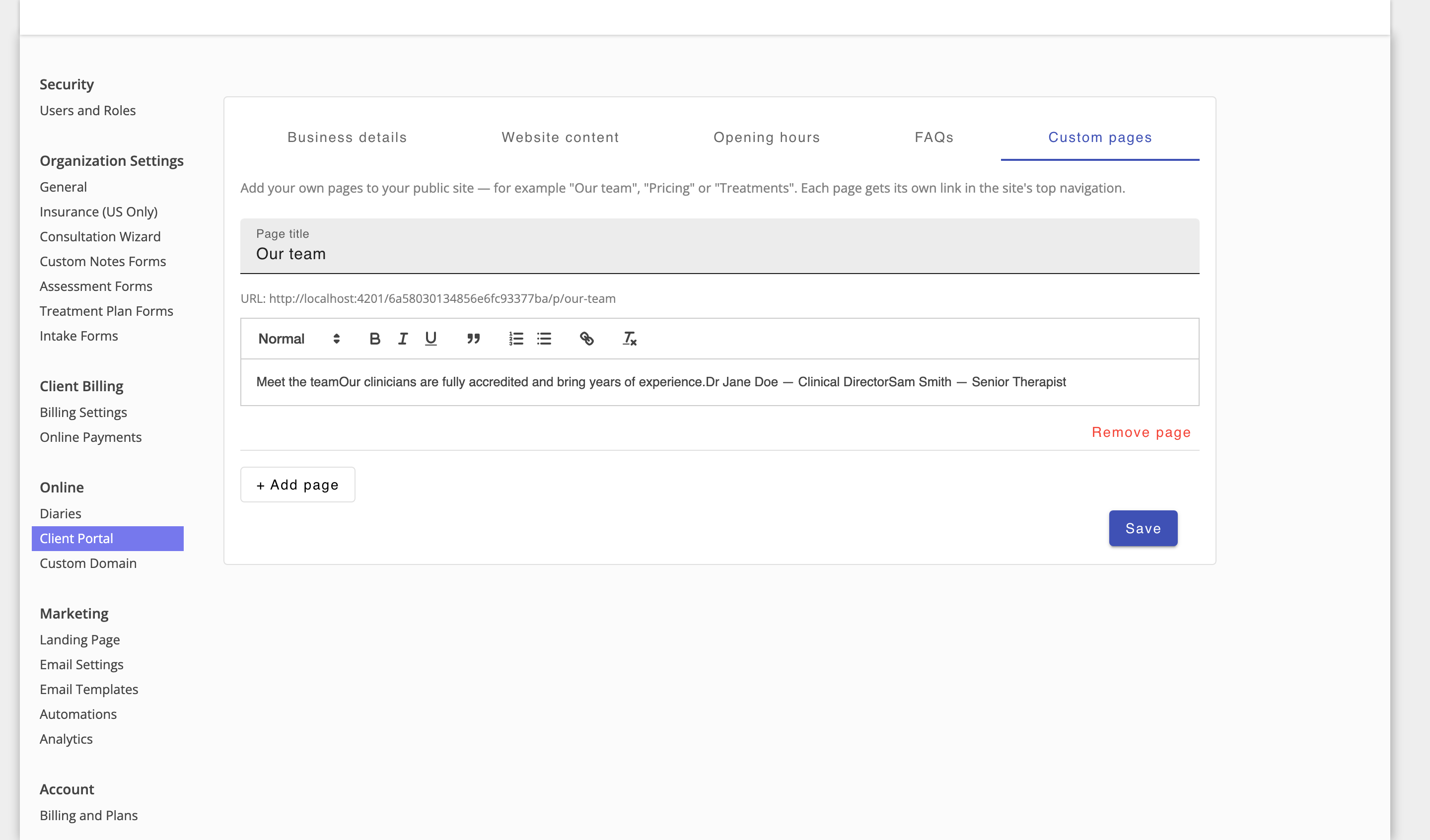
Add your own pages to the website — for example Our team, Pricing or Treatments. Each page has a title and rich-text content (headings, lists and links are supported), gets its own web address based on the title, and appears as a link in the website's top navigation.