Organisation Settings
Organisation settings are used in various areas within the application.
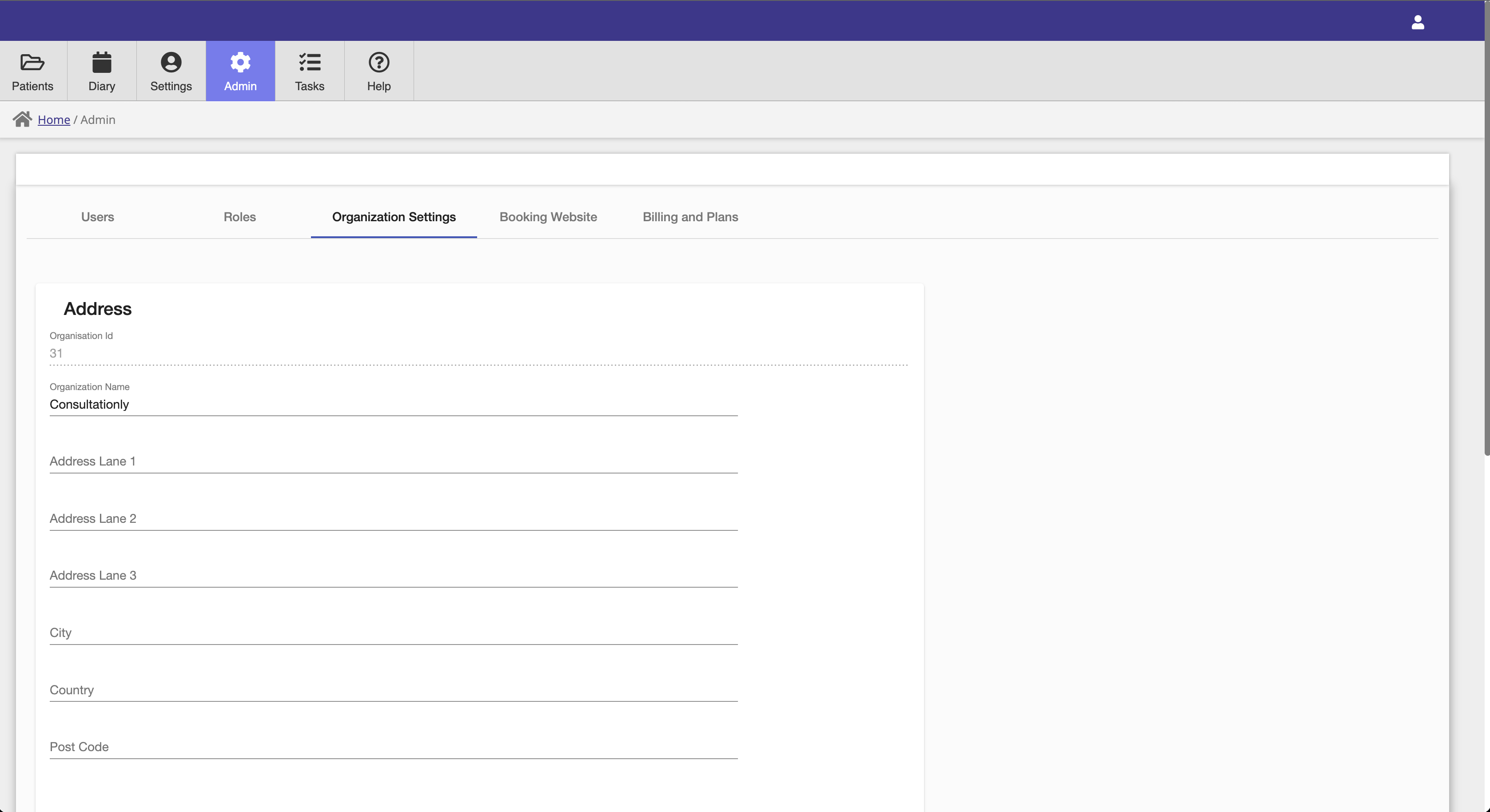
Address
The organisation address is used for insurance, billing, referral and prescription generation.
General
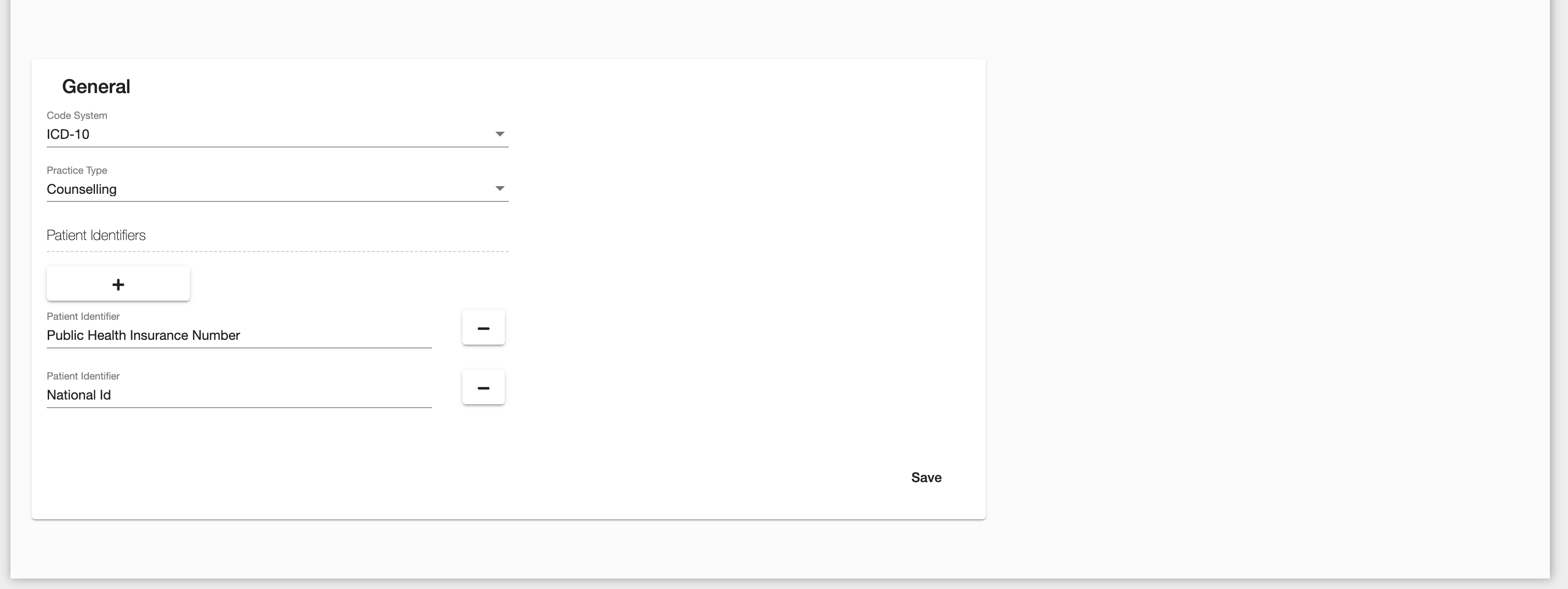
The general settings section has settings for:
- Company Logo — Upload your practice's logo. It appears on generated invoices and receipts.
- Code System — The coding system used for coding diseases and diagnoses. Available options depend on your location, with the WHO ICD-10 coding option available to all regions.
- Practice Type — Determines the Consultationly configuration, displaying different options and modules depending on the practice type.
- Patient Identifiers — Configurable patient identifiers that can be saved on patient records.
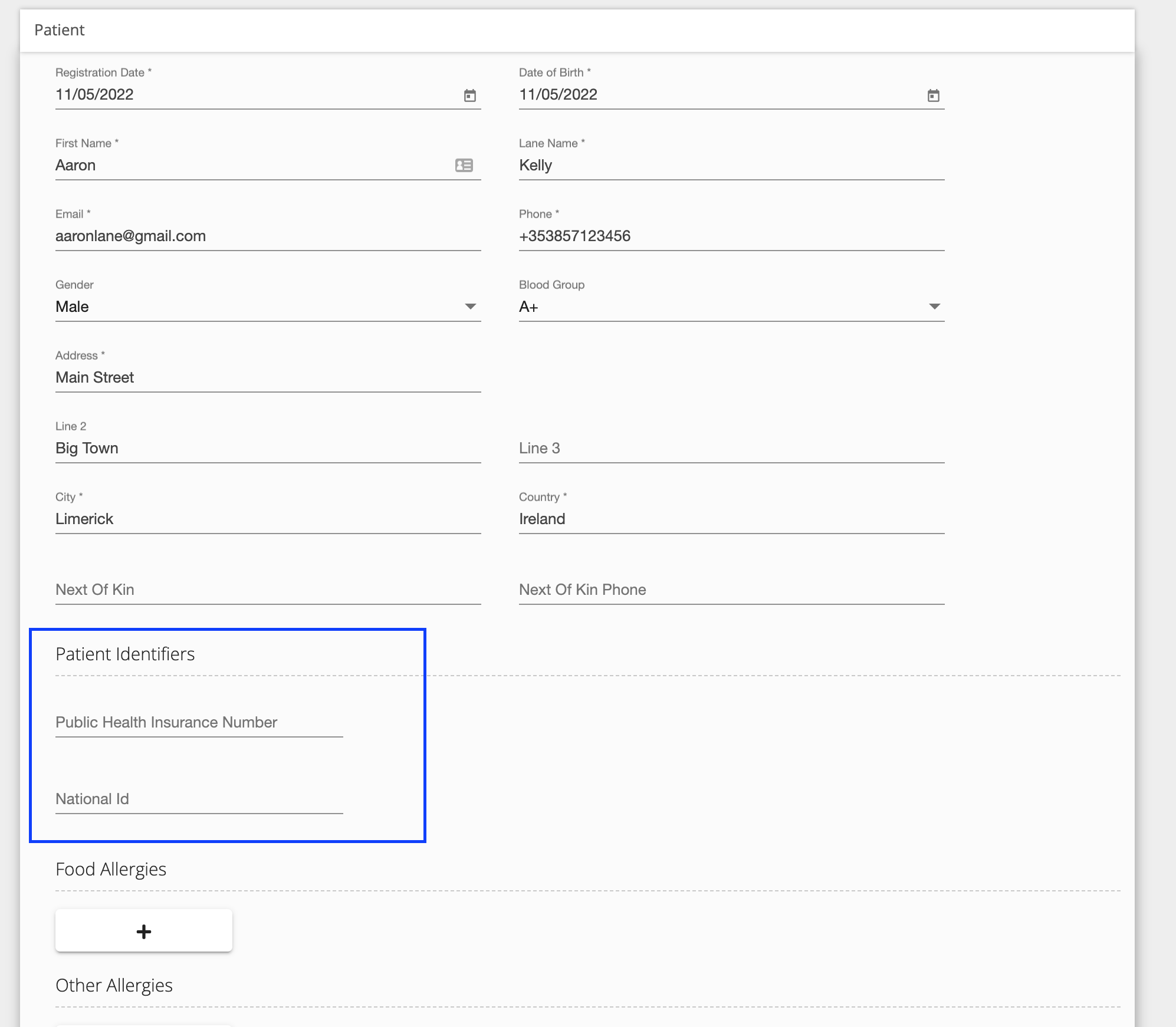
You can see the patient identifiers that have been configured in the Patient Identifiers field in the patient record.
Insurance Settings
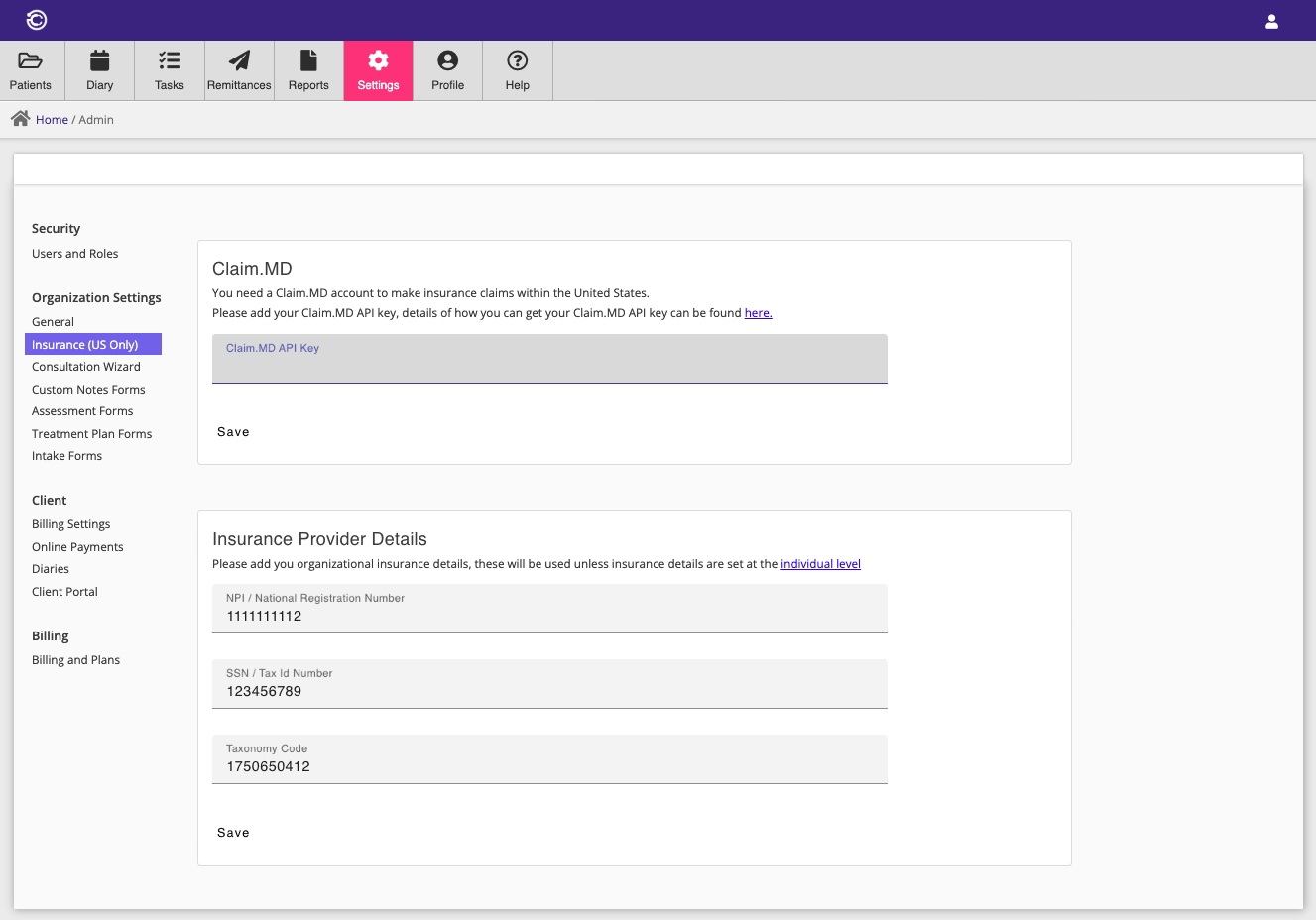
Consultationly allows you to bill insurance companies directly via our insurance clearing house Claim.MD. In order to use this functionality you will need to be based in the United States and have your own Claim.MD account. You can create a Claim.MD account here.
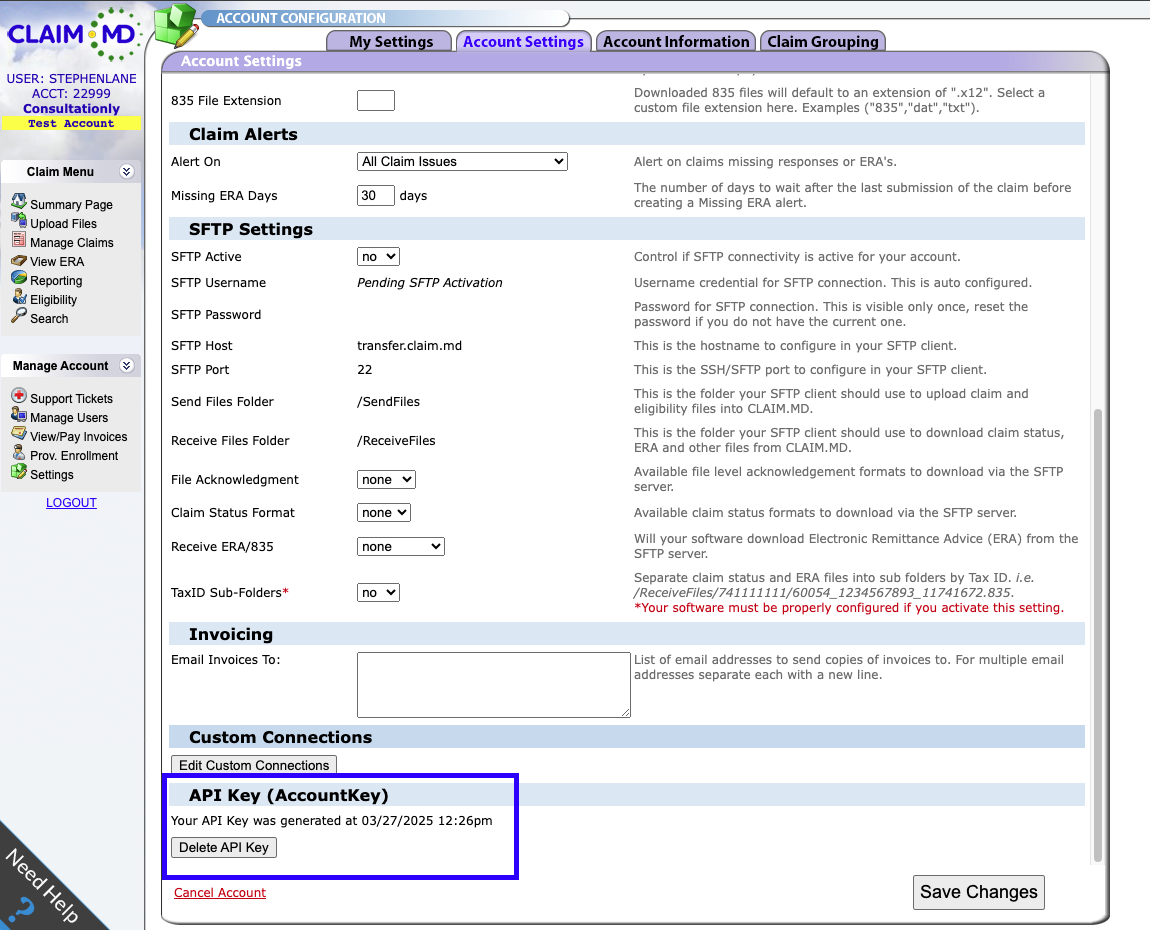
Claim.MD API Key
You need a Claim.MD API key in order to integrate your Claim.MD account with Consultationly. This can be generated in your Claim.MD Account Settings. Once generated, the API key is no longer displayed — if you lose it, you can delete and re-generate a new one within Claim.MD.
Insurance Provider Details
You may set insurance provider details, which are required for insurance claims, at the organisation level, or they can be set at the user level via Profile → Insurance.
- NPI — National Provider Identifier. Reference: https://npiregistry.cms.hhs.gov/search
- SSN — Social Security Number, or National Tax ID.
- Taxonomy Code — Reference: https://taxonomy.nucc.org/
Custom Domain
By default your booking website is served from a Consultationly address. With a
custom domain you can serve it from your own branded web address instead — for example
booking.mypractice.com — with a free, automatically managed SSL certificate.
Open Admin Settings → Custom Domain to set one up.
Set up your domain
- Enter the domain you want to use and click Register Domain. Use any sub-domain — for
example
booking.mypractice.comorwww.mypractice.com. -
Sign in to your domain registrar (or DNS provider) and add the CNAME record shown on the page:
Type Host / Name Value CNAME your domain (e.g. booking.mypractice.com)sites.consultationly.comCreating this record both routes your domain to Consultationly and confirms that you own it, so no separate verification record is needed.
For click-by-click instructions at common registrars, see Custom Domain DNS Setup (GoDaddy, Namecheap, Cloudflare).
Using your root domain
A root domain (e.g. mypractice.com, with no sub-domain) can't be a CNAME at most
registrars. To use it, point www to us with the CNAME above, then set your registrar to
redirect mypractice.com → www.mypractice.com (most registrars offer domain/URL
forwarding). Visitors typing your root domain are then sent to your booking site.
- Click Check DNS. Once the record is detected the status changes to Verified and your domain is activated. A secure certificate is then provisioned automatically — this usually takes a few minutes, after which the status shows Active.
DNS changes can take up to 48 hours to propagate, though they are often much faster. Consultationly re-checks automatically, or you can trigger a check at any time.
Using your domain
Once the domain is Active, your booking website and landing pages are available on it directly —
for example https://booking.mypractice.com. The custom-domain links also appear next to the
default Consultationly links on the Booking Website and marketing Landing Page editors, so
you can copy and share the branded address.
Removing a domain
Use Remove to detach the domain. Your website reverts to the default Consultationly address and the associated routing and certificate are cleaned up automatically.