User Settings
The user Profile menu is where user profile details as well non-shared user calendar settings are configured.
Profile Settings
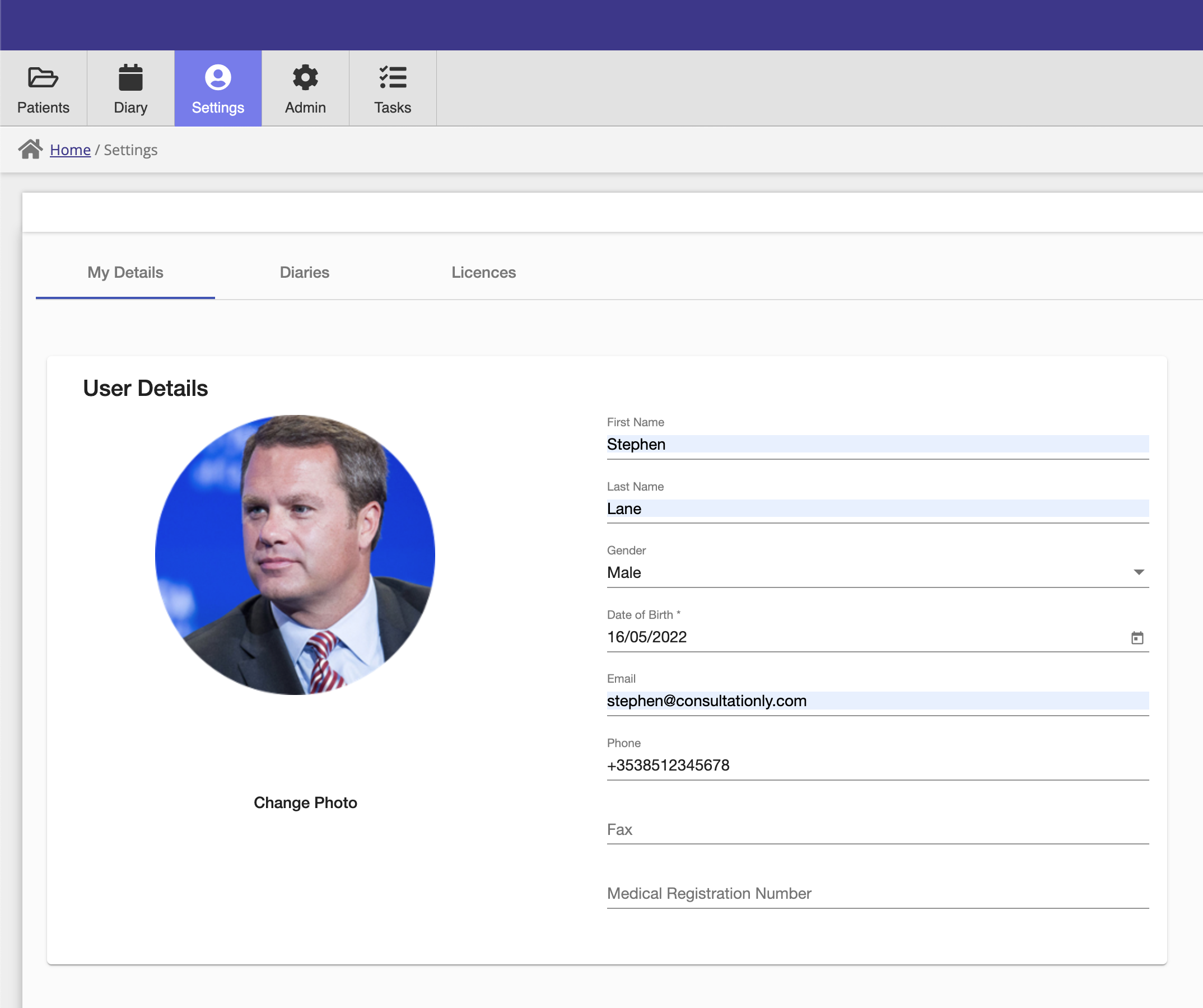
This panel is used to set the users profile details, additionally a user can upload a profile picture which is used throughout the application.
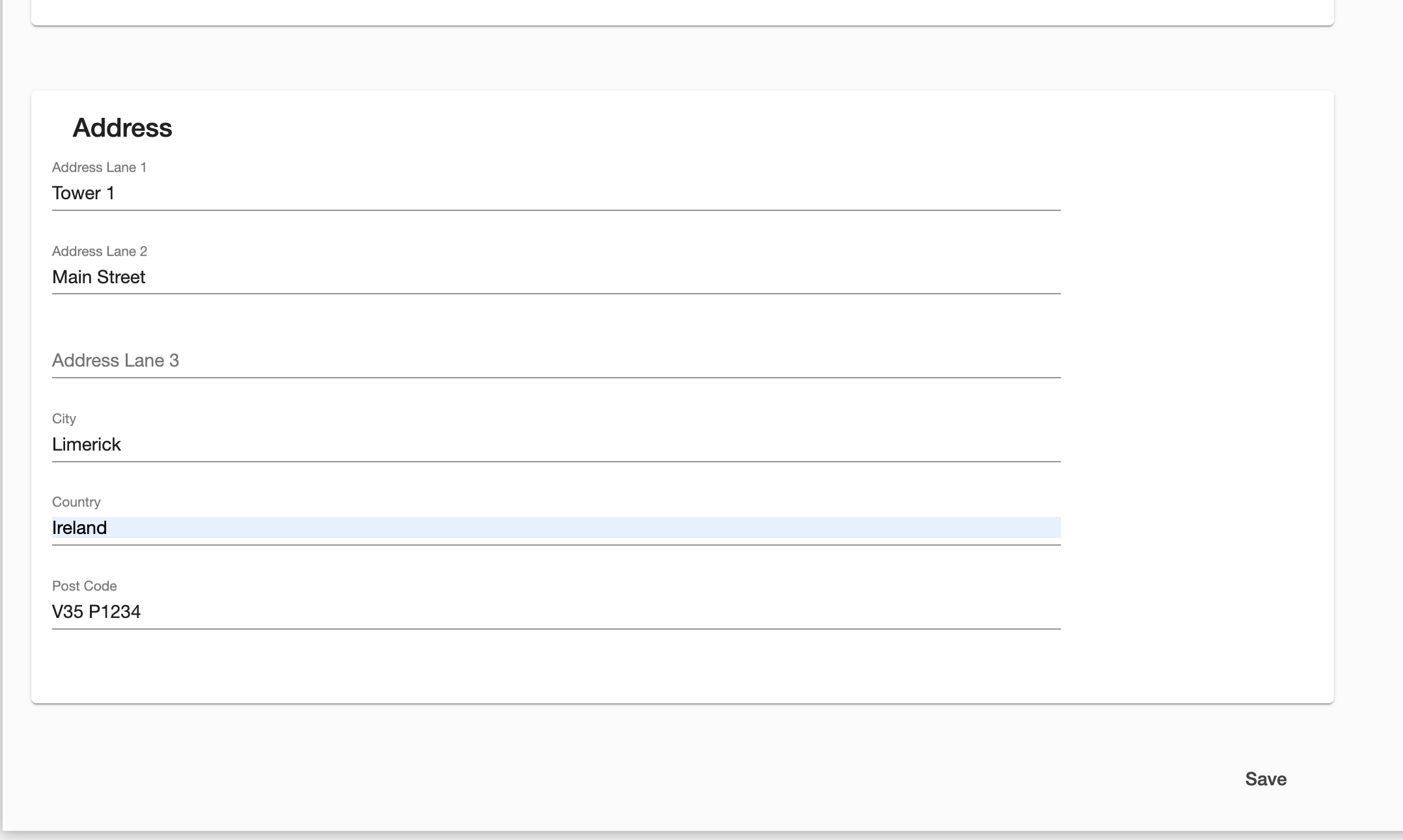
Below the user details, the user address can be set.
User Calendars
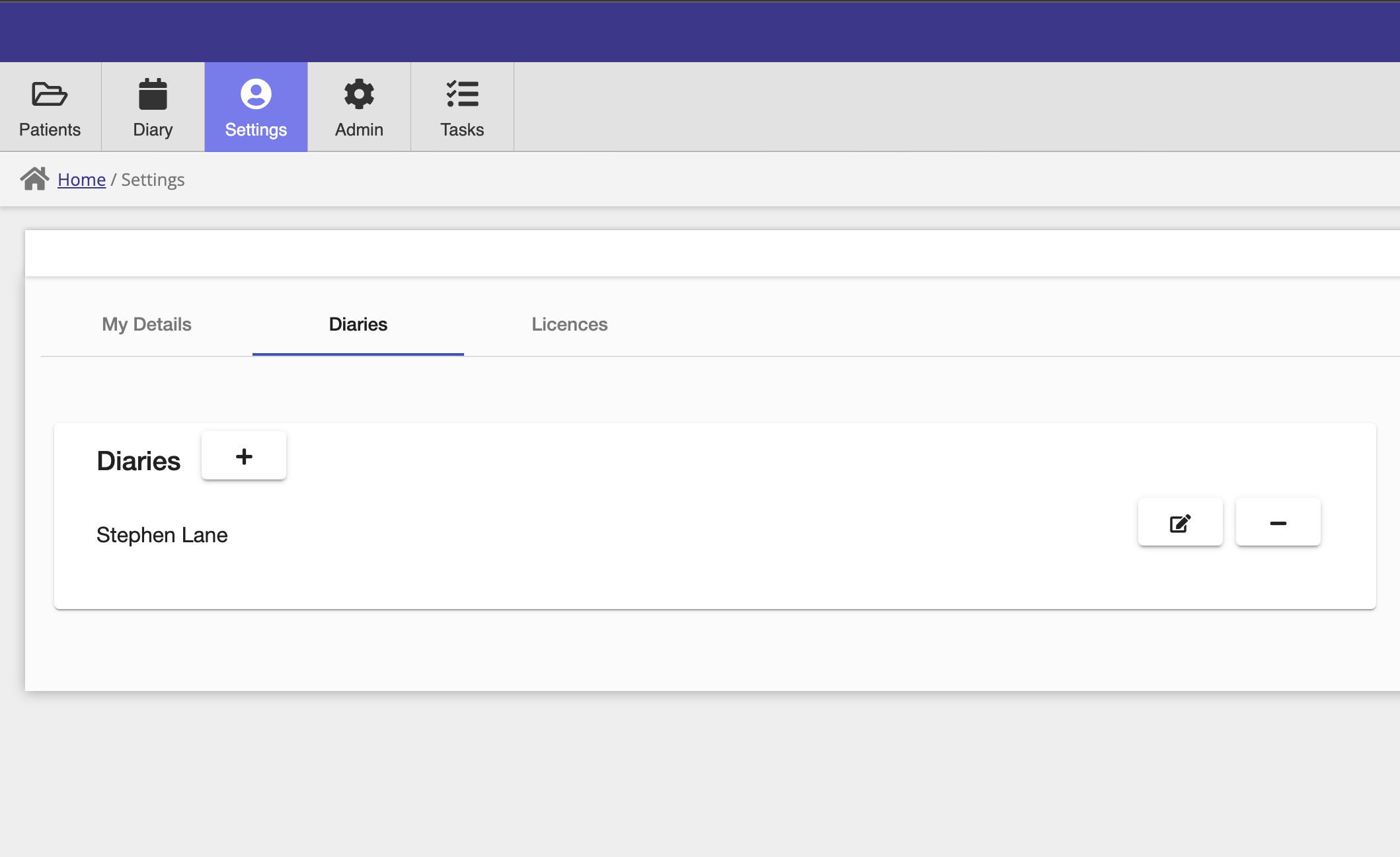
Each user has one calendar already configured and associated with their account. Users can add additional calendars on this screen, for example additional calendars could be added for additional services provided by the practice.
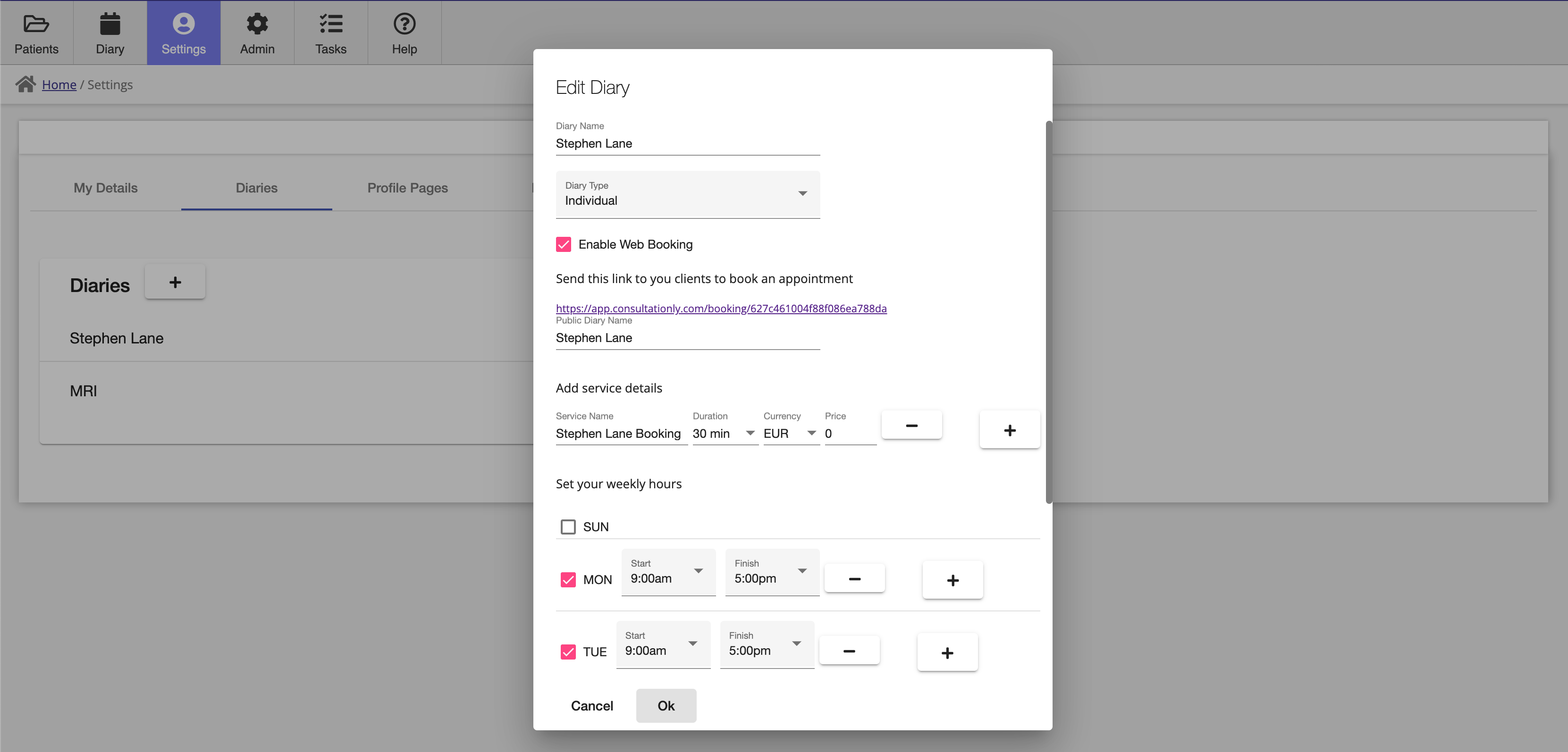
There are two types of calendars, Individual and Shared. Individual calendars are only visible to the user that created the calendar, while shared calendars can be shared with other users within the practice.
Calendars can also be enabled for web bookings, you can set your daily hours so that only slots during your availability period can be booked.
The web booking page link is displayed when you enable web bookings for a calendar, this link can be posted on you social medial accounts or emailed directly to clients. This is the booking page that will be presented when clients click on your booking link:
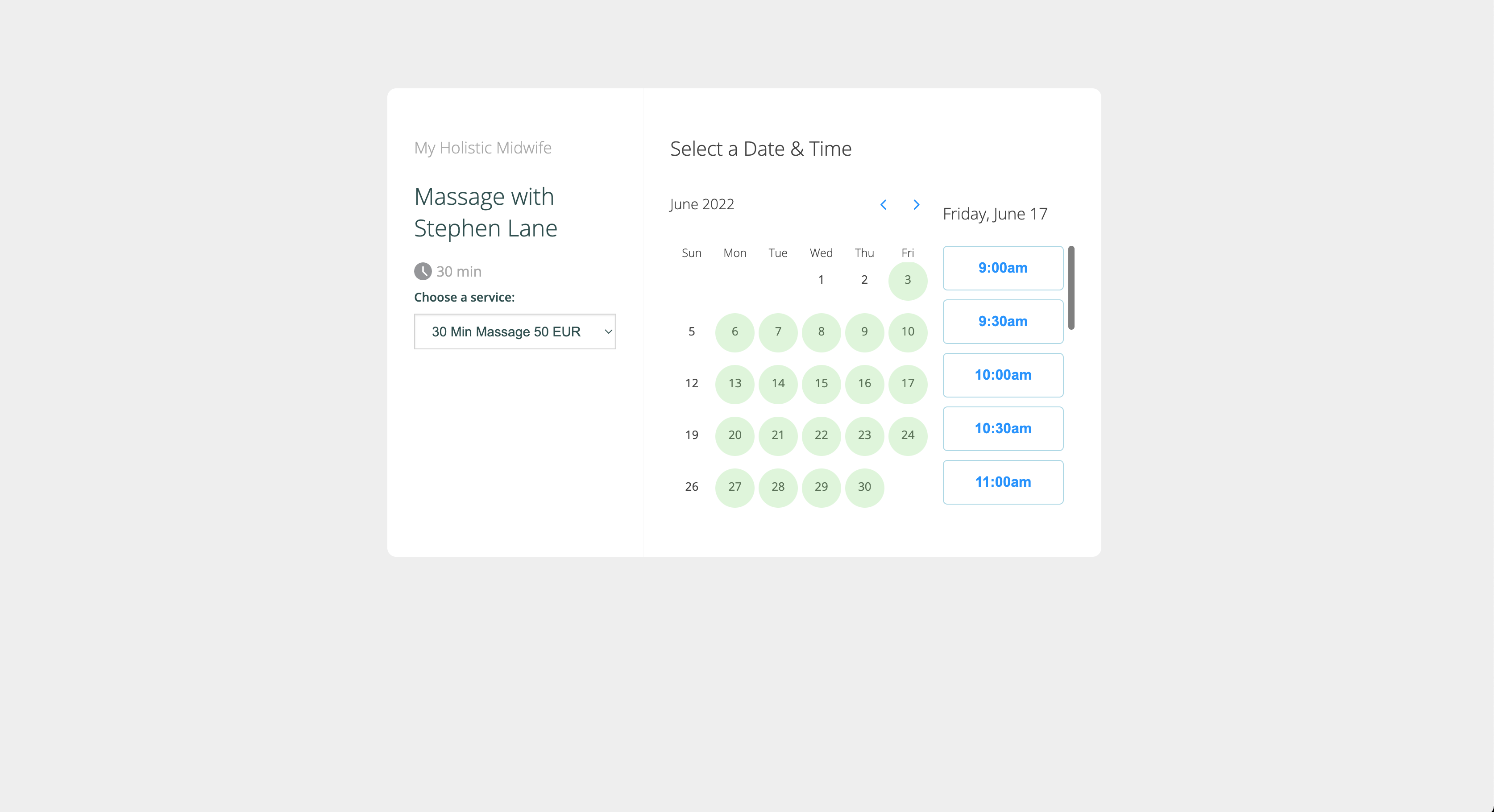
Once a client makes a booking on you booking page, it will be added to your calendar and reminders will be sent to both you and your client. If it is a new client, they will also be added to your client database.
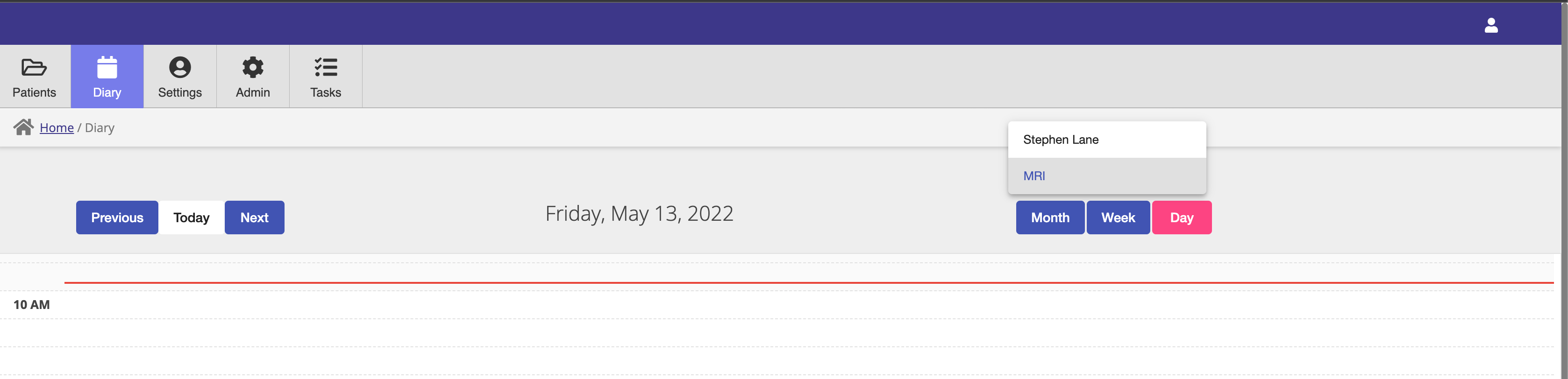
Different calendars can be viewed using the calendar select dropdown, in the calendar module.
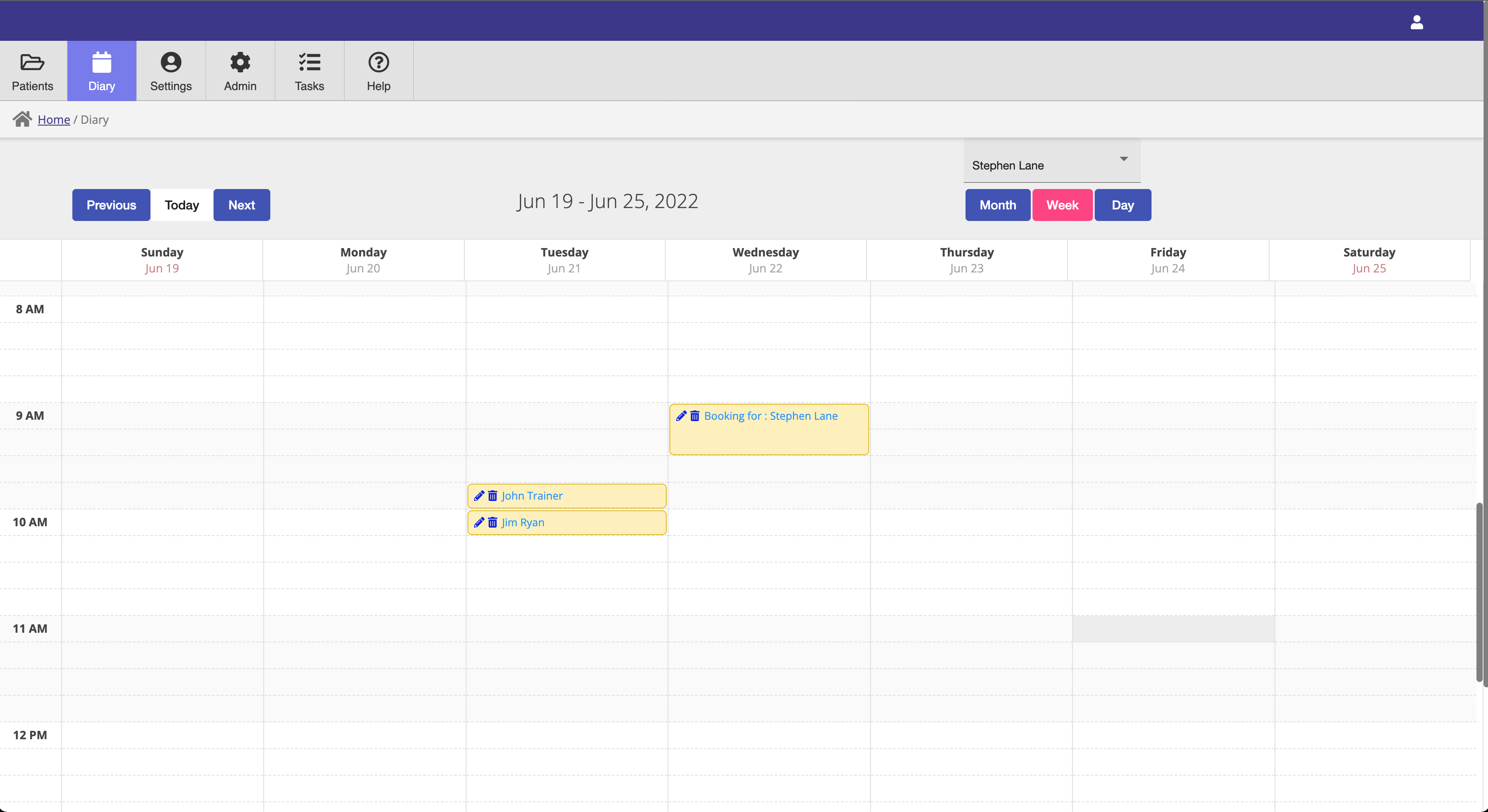
Calendars can be viewed in daily, weekly and monthly modes.