Forms
Consultationly supports several types of configurable forms that can be used during client visits or collected before a client's first appointment.
Consultation Wizard
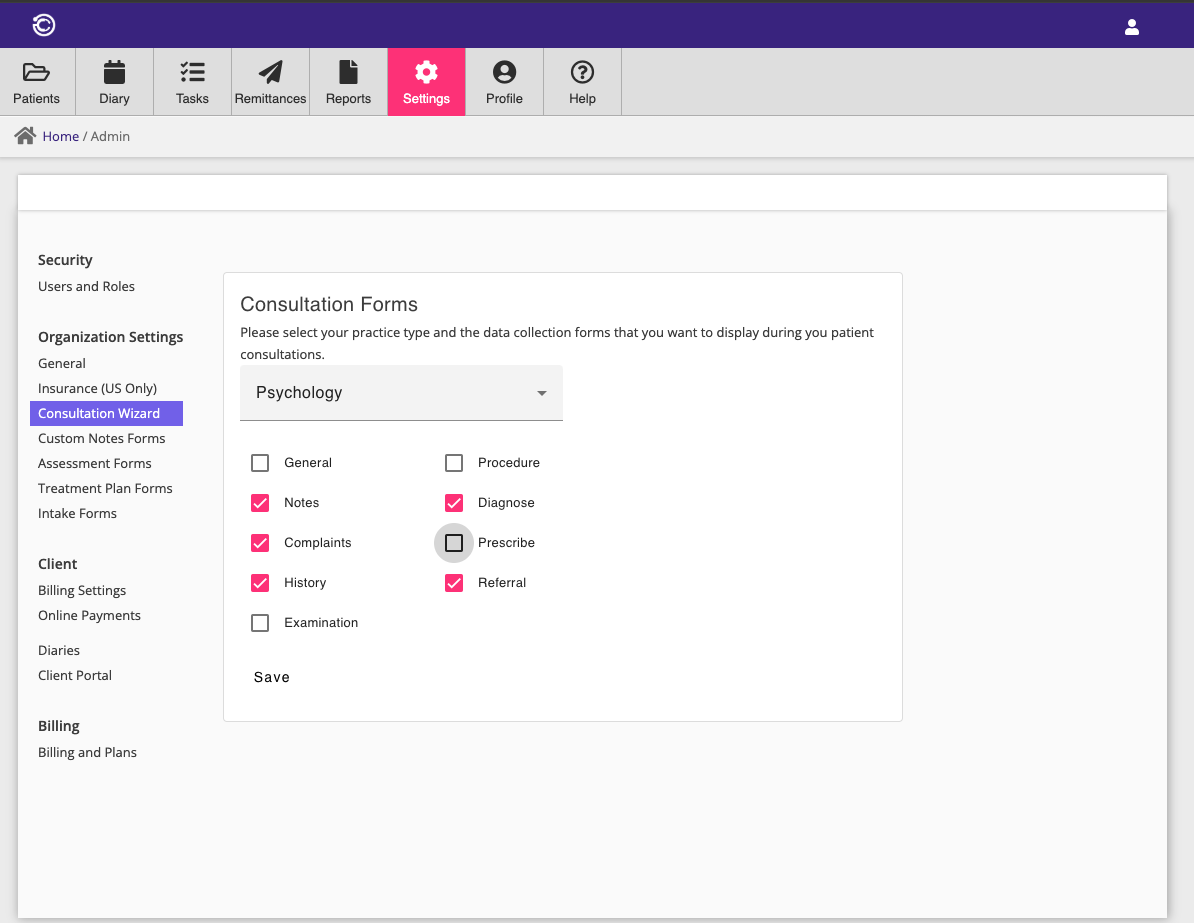
One of the key features of Consultationly is the guided consultation wizard. The wizard can be configured to show different screens. By selecting a practice type, Consultationly enables a set of screens associated with that practice type.
Each screen type can also be individually enabled or disabled, overriding the defaults for a practice type.
Custom Notes Forms
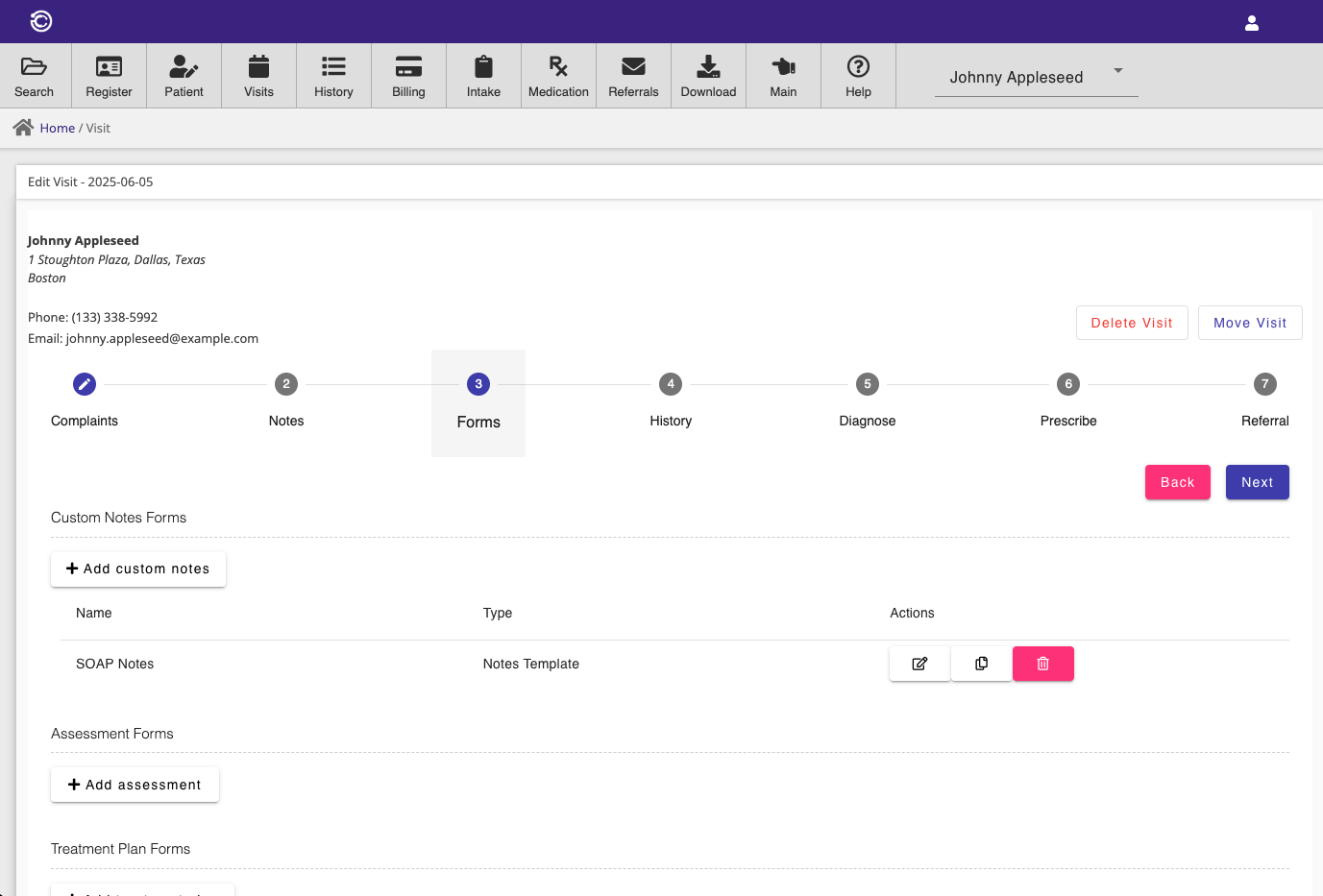
In addition to the pre-defined form types that can be enabled for the consultation wizard, custom notes forms can be defined and used to collect data during client visits.
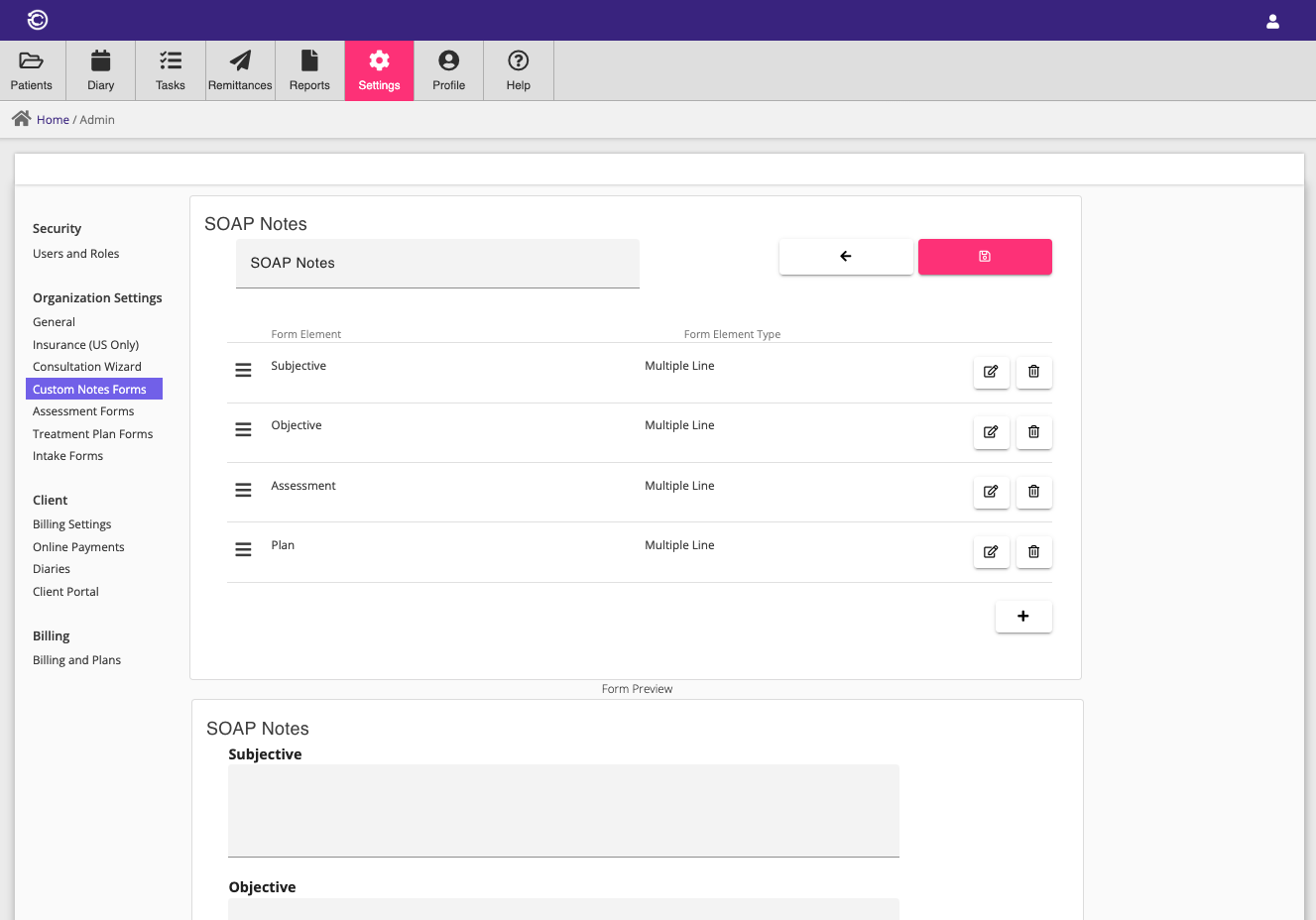
Custom notes forms are defined in the Custom Notes Forms menu.
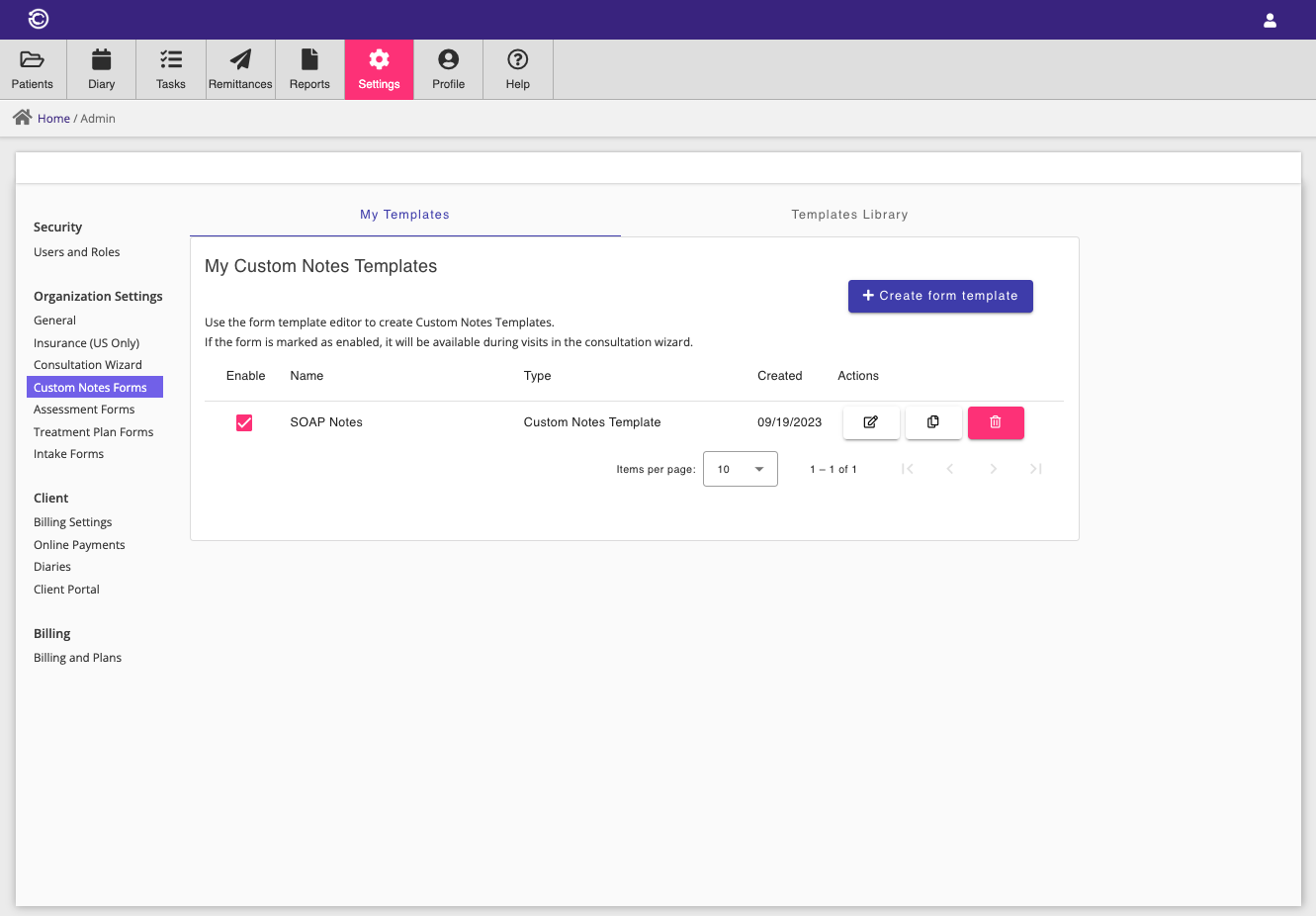
The Custom Notes Forms menu allows the creation and editing of custom form templates. A variety of field types such as text fields and option fields may be added to create a wide variety of custom form types.
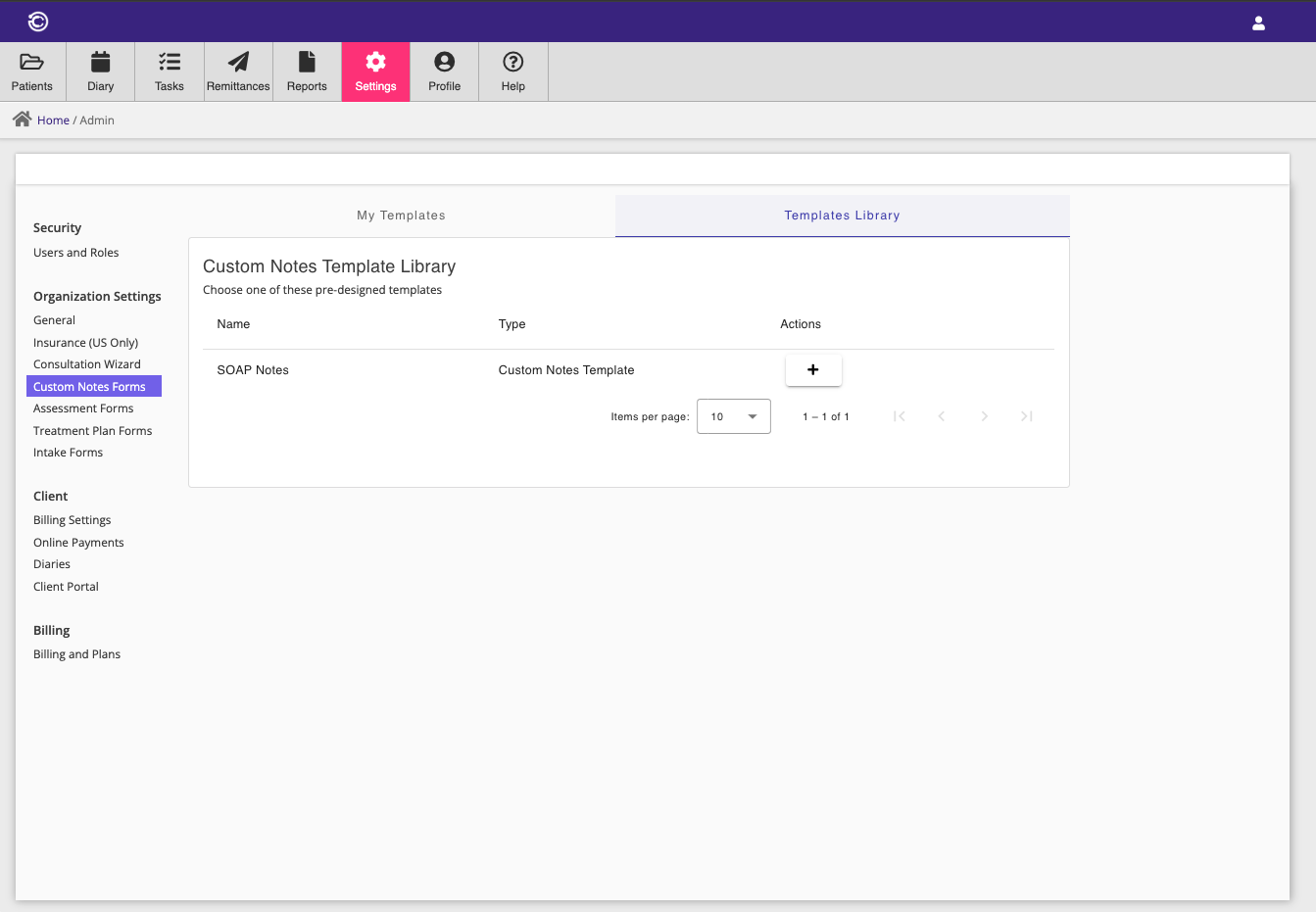
Depending on your practice type, Consultationly also provides a shared library of custom form templates that can be added to your practice.
Assessment Forms
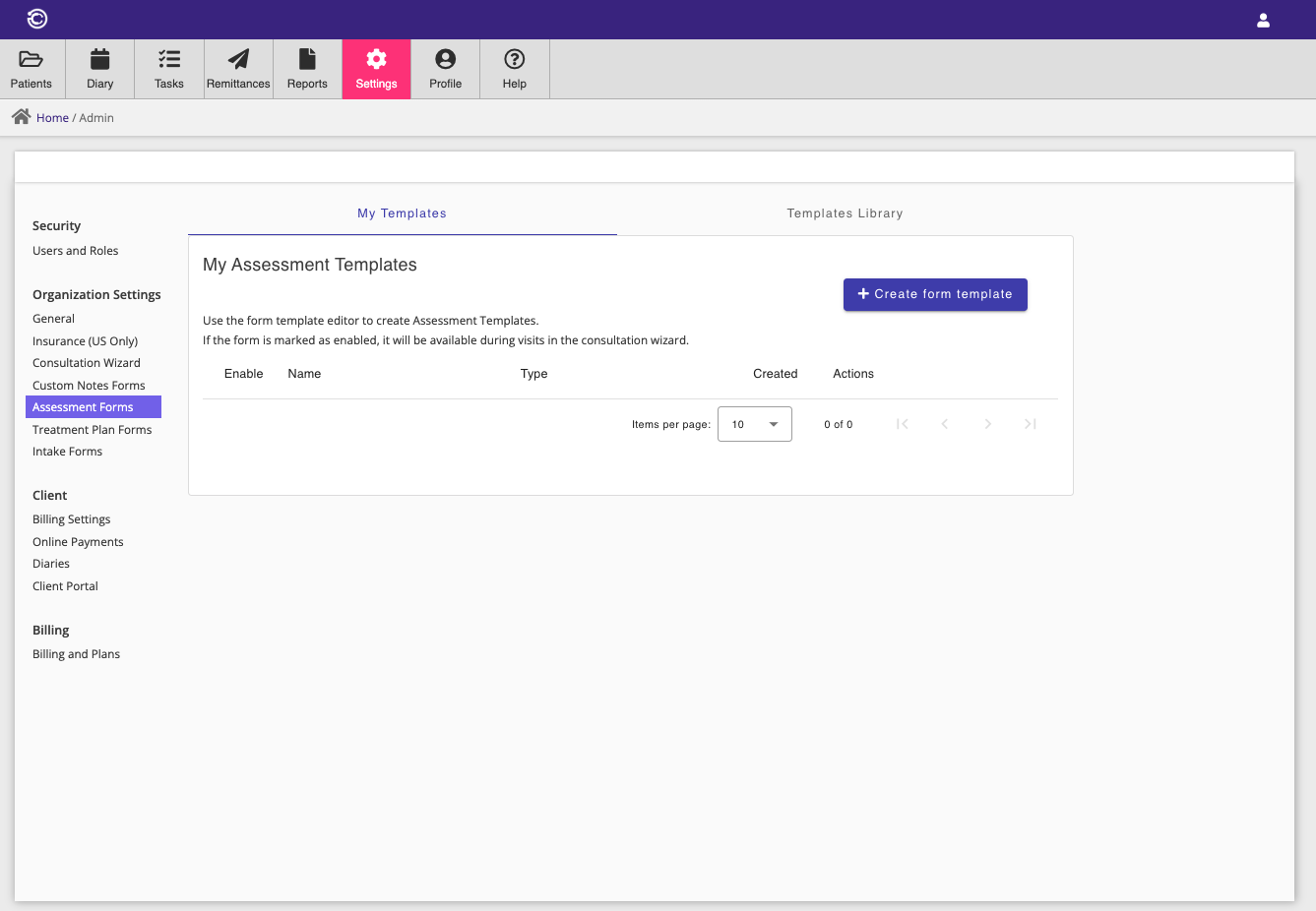
Assessment forms are used to perform assessments of your clients during visits. Assessment form templates are defined in the Assessment Forms menu.
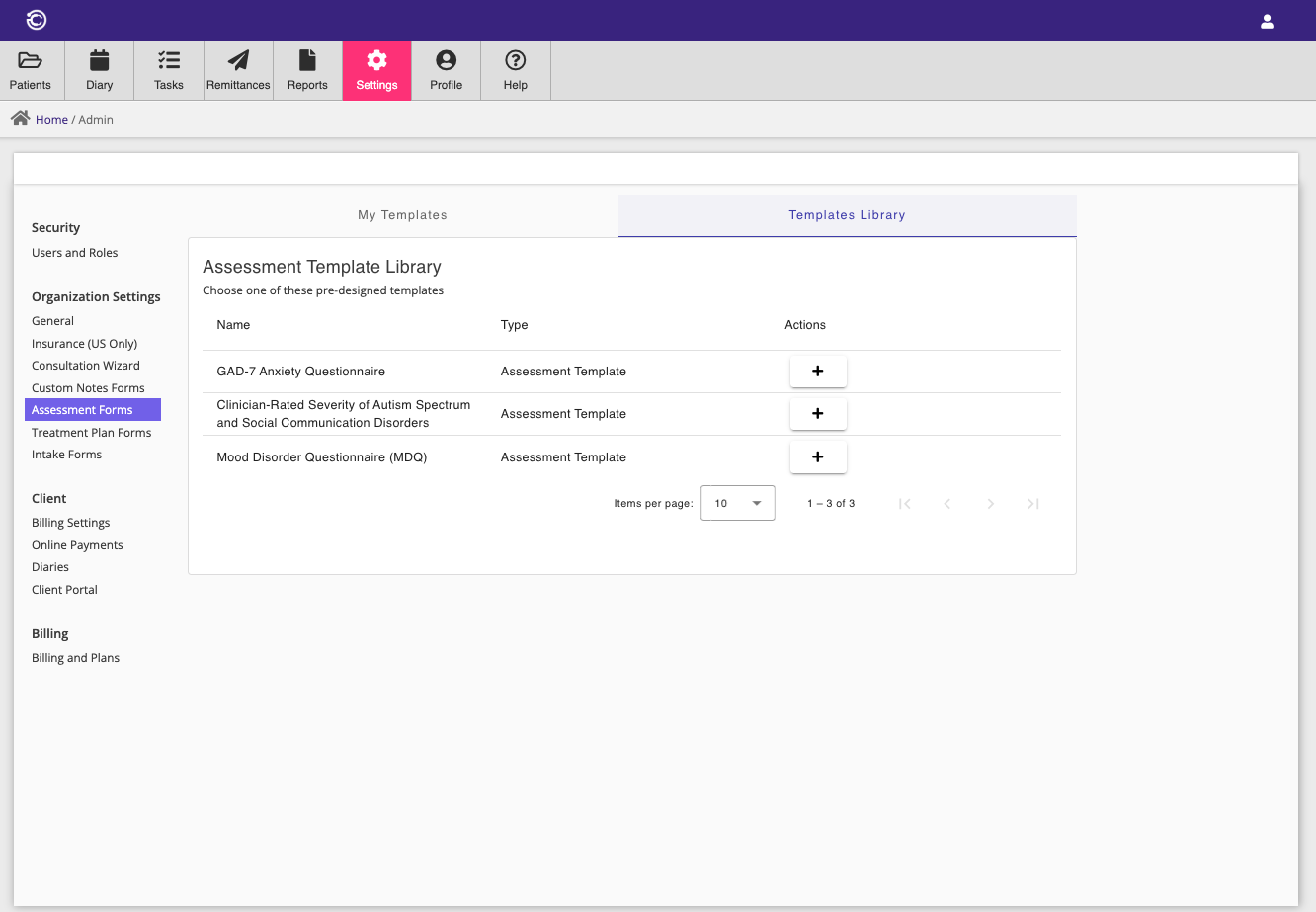
Like custom notes forms, Consultationly provides a shared library of assessment form templates.
Treatment Plan Forms
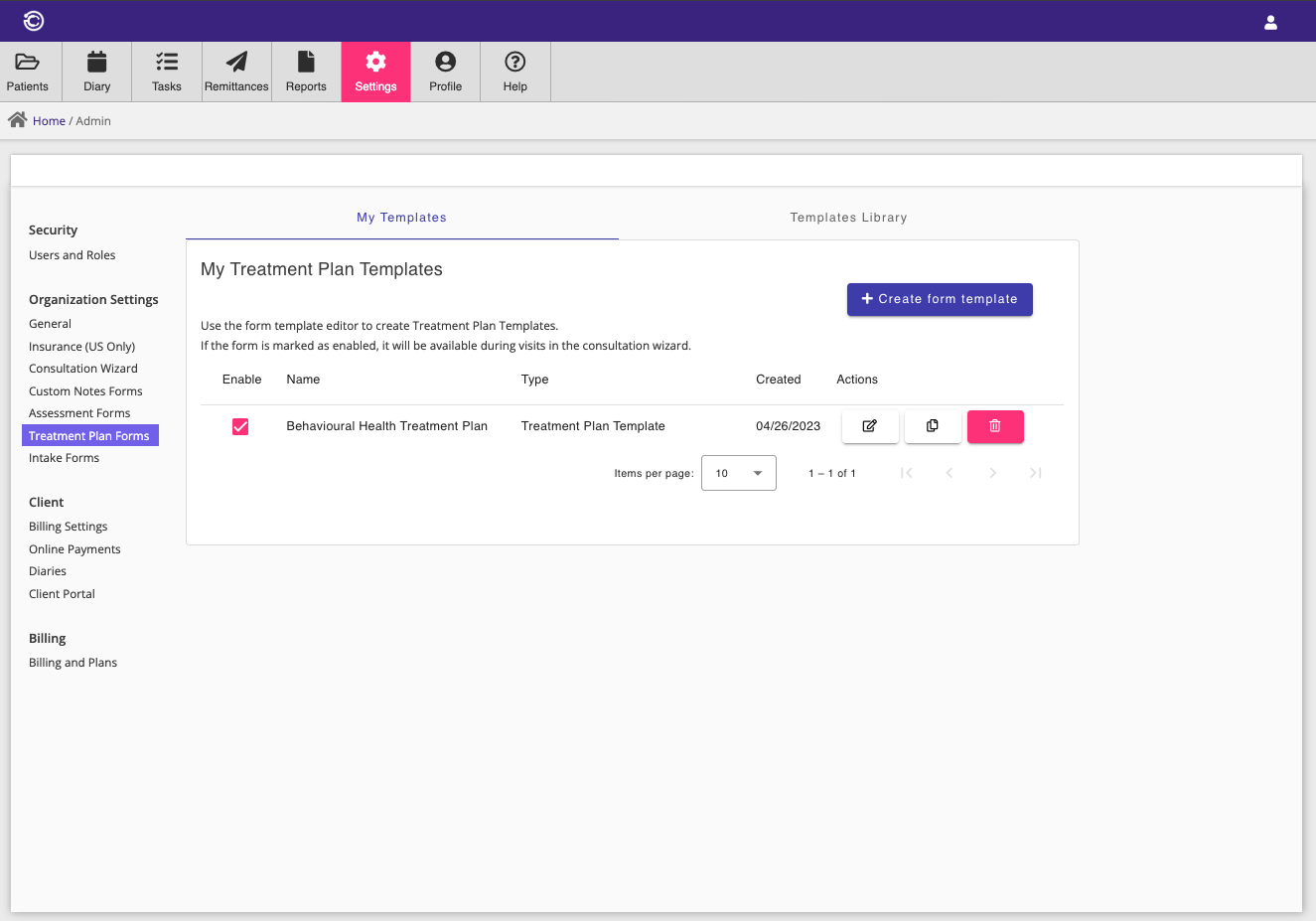
Treatment plan forms are used to outline standardised treatment plans that you can complete with your clients. Treatment plan form templates are defined in the Treatment Plan Forms menu.
Intake Forms
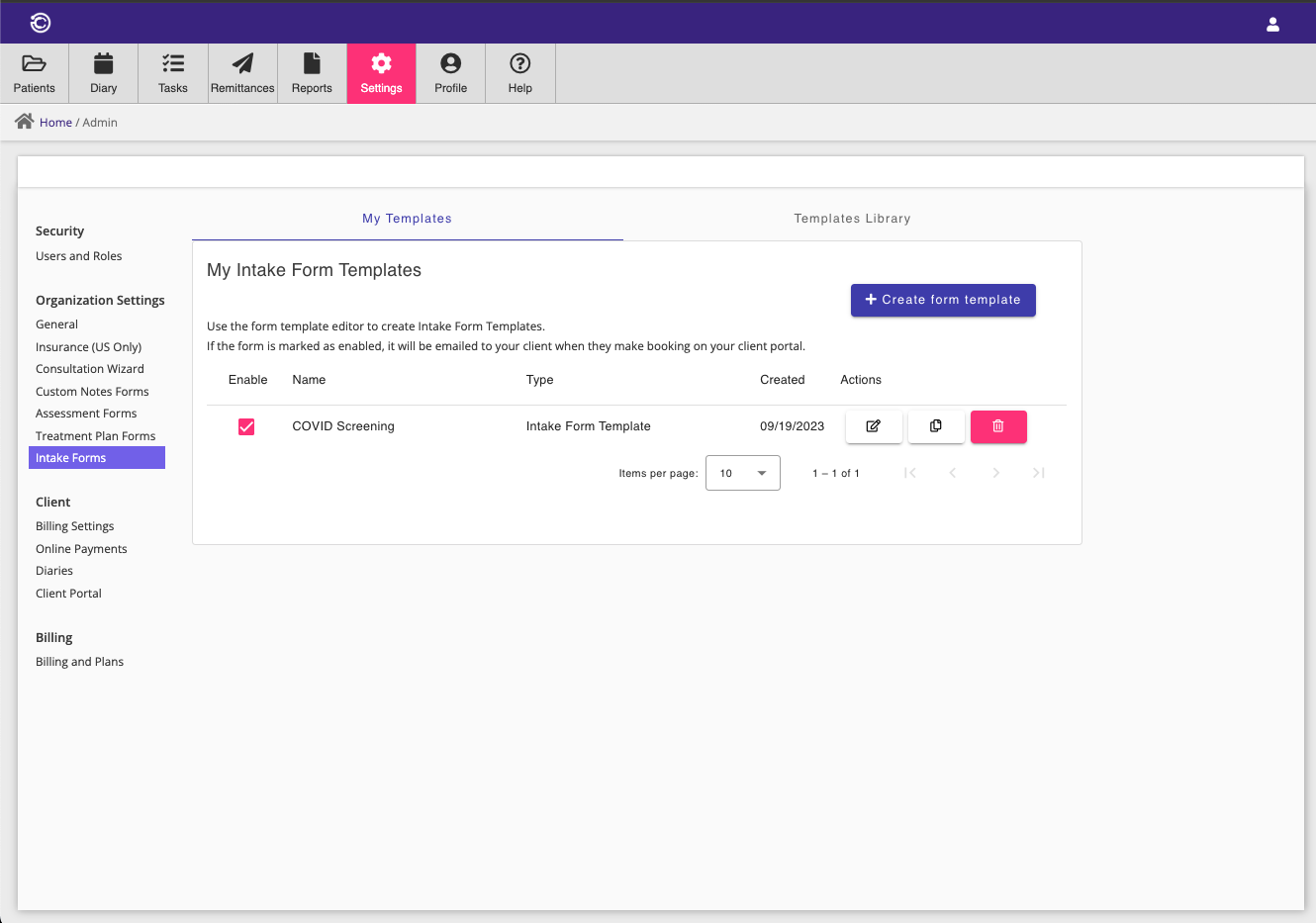
Intake forms should be completed by your clients before their first visit to your practice. Intake form templates are defined in the Intake Forms menu.
This is a useful way to collect one-off data and associate it with a client's record. For new clients that make online bookings, configured intake forms will be emailed to the client after their booking is completed. The client can complete the intake form on the booking portal and save their responses against their client record in Consultationly.